
Description
-
Vector Illustration:
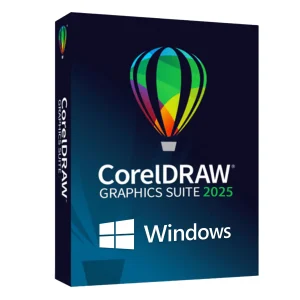
CorelDRAW provides a wide array of tools for creating and editing vector graphics, allowing for precise control over shapes, lines, and curves.
-
Page Layout:
The suite includes tools for designing multi-page documents like brochures, newsletters, and posters.
-
Photo Editing:
Corel PHOTO-PAINT offers a range of non-destructive editing capabilities, adjustment presets, and effects for enhancing images.
-
Typography:
CorelDRAW 2022 provides a rich set of typography tools, including support for variable fonts and access to Google Fonts.
-
AI-Powered Tools:
The suite incorporates artificial intelligence to assist with tasks like generating design elements and enhancing images.
-
Streamlined Workflow:
CorelDRAW 2022 aims to improve workflow efficiency with a user-friendly interface and features like a searchable assets docker for quick access to symbols and other design elements.
-
Collaboration:
The suite offers features that enable teams to work together on projects, including commenting and asset sharing.
-
Customization:
Users can customize their workspaces and personalize learning resources.
-
File Compatibility:
CorelDRAW boasts extensive file compatibility, ensuring seamless integration with various file formats.
-
Flexible Purchasing:
The suite offers both subscription and perpetual license options.
-
New features in the 2022 update include:enhanced multi-page view, improved performance, and new asset management capabilities.

Reviews
There are no reviews yet.