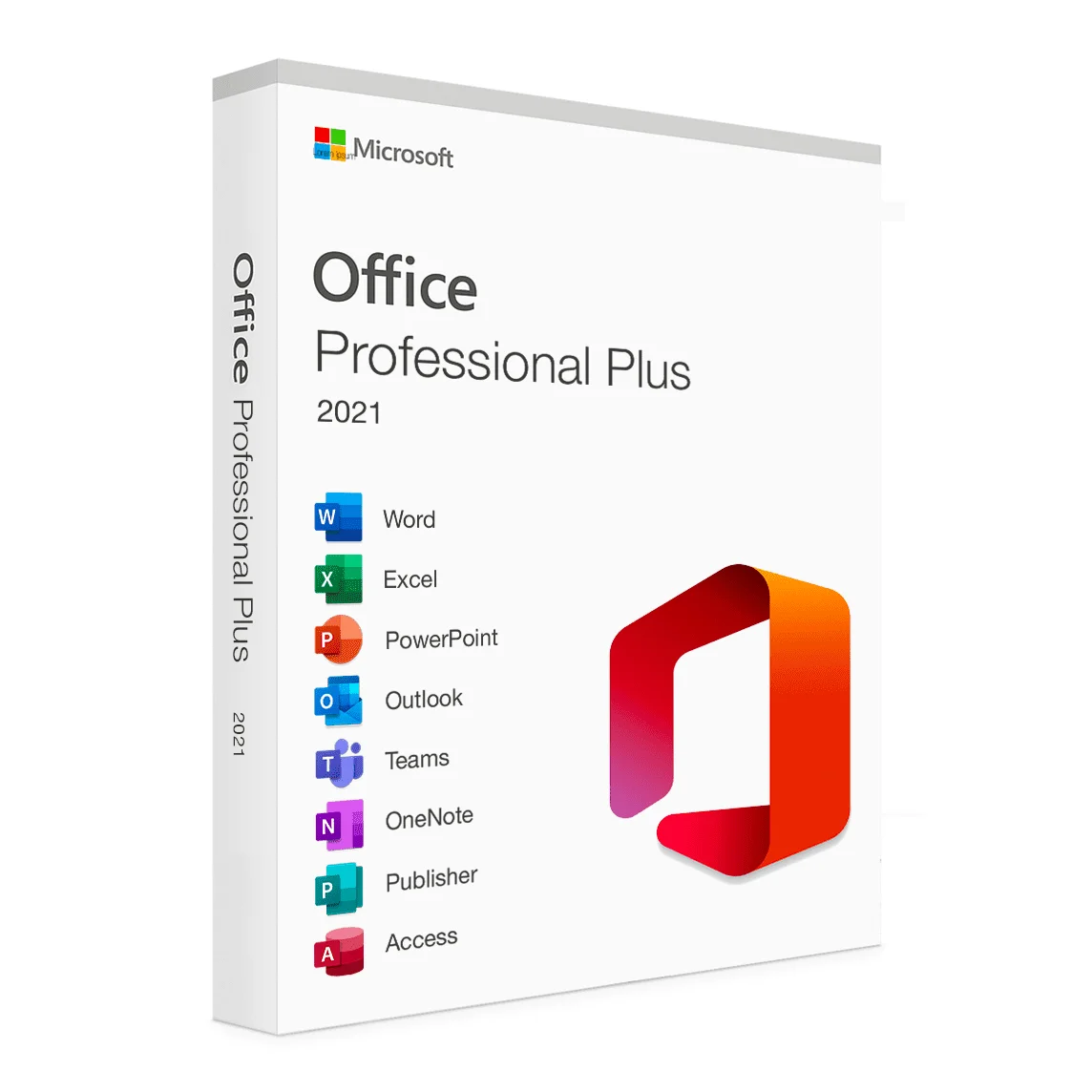
Description
-
Classic Apps:
It includes the familiar Word, Excel, PowerPoint, OneNote, and Outlook applications.
-
Revamped Interface:
Office 2021 features a redesigned interface, including rounded corners and a more neutral color palette, that aligns with Windows 11.
-
Dynamic Arrays in Excel:
New functions like UNIQUE, SORT, FILTER, SEQUENCE, RANDARRAY, and XLOOKUP make working with large datasets more efficient.
-
Dark Mode:
Full dark mode support is available across the suite, including in documents, reducing eye strain.
-
Improved Performance:
Performance improvements across the suite, including faster startup times and more responsive applications.
-
Collaboration Features:
Enhanced collaboration features, including co-authoring and the ability to see who is editing a document in real-time.
-
Sketched Style for Shapes:
A new “sketched” style outline can be applied to shapes and text boxes for a more casual, hand-drawn look.
-
Stock Images and Icons:
Access to a library of stock images and icons directly within the applications.
-
ODF Support:
Ability to save documents in OpenDocument Format (ODF).
-
Ink Replay:
In PowerPoint, you can add a “Replay” or “Rewind” animation to ink annotations, creating a drawing effect.
-
Link to a Slide:
In PowerPoint, you can create a link to a specific slide in a presentation, making it easier to collaborate with others.
- Office Home & Student 2021: Includes Word, Excel, PowerPoint, and OneNote.
- Office Home & Business 2021: Includes Word, Excel, PowerPoint, OneNote, and Outlook.
- Office Professional 2021: Includes Word, Excel, PowerPoint, OneNote, Outlook, Publisher, and Access.
- Operating System: Windows 10, Windows 11, or macOS.
- Processor: 1.1 GHz or faster, 2-core.
- RAM: 4 GB.
- Hard Disk Space: 4 GB of free space.
- Graphics Card: DirectX 9 or later, with WDDM 2.0 or higher for Windows 10.
Reviews
There are no reviews yet.